
Multiplayer
GILLA VR multiplayer: voice chat, rooms, mute and report
GILLA is always online and always multiplayer. Your voice comes out of your ape’s mouth in 3D, everyone nearby hears it, and so do the monsters. You can join a public room or a private room with a code, and mute or report players from the lobby leaderboard.
Last checked:
/ How voice chat works
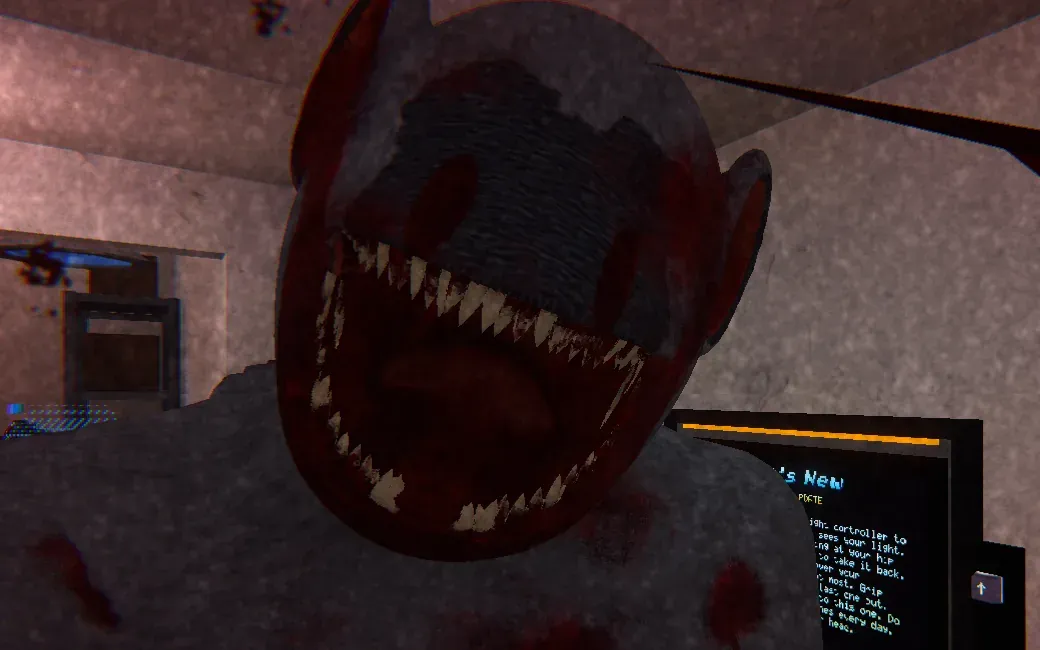
The developer describes GILLA’s voice chat as positional: it comes from your ape’s mouth and gets quieter with distance, like a real voice. That makes it a game mechanic. The Grinner in the base is drawn to speech, so talking can bring it onto you and anyone near you. In HUNT, the player-monster hears you the same way.
GILLA’s privacy policy adds the technical side. Voice is relayed through Photon servers in US West and the developer says it does not record it. Other players can, though: the in-game GillaCAM records clips, so your voice can end up in someone else’s video.
/ Public rooms and private rooms
| Public room | Private room | |
|---|---|---|
| How to join | Pick a mode in the lobby and you are matched in | Type the host’s code on the lobby computer |
| Who you meet | Anyone currently playing | Only people who have the code |
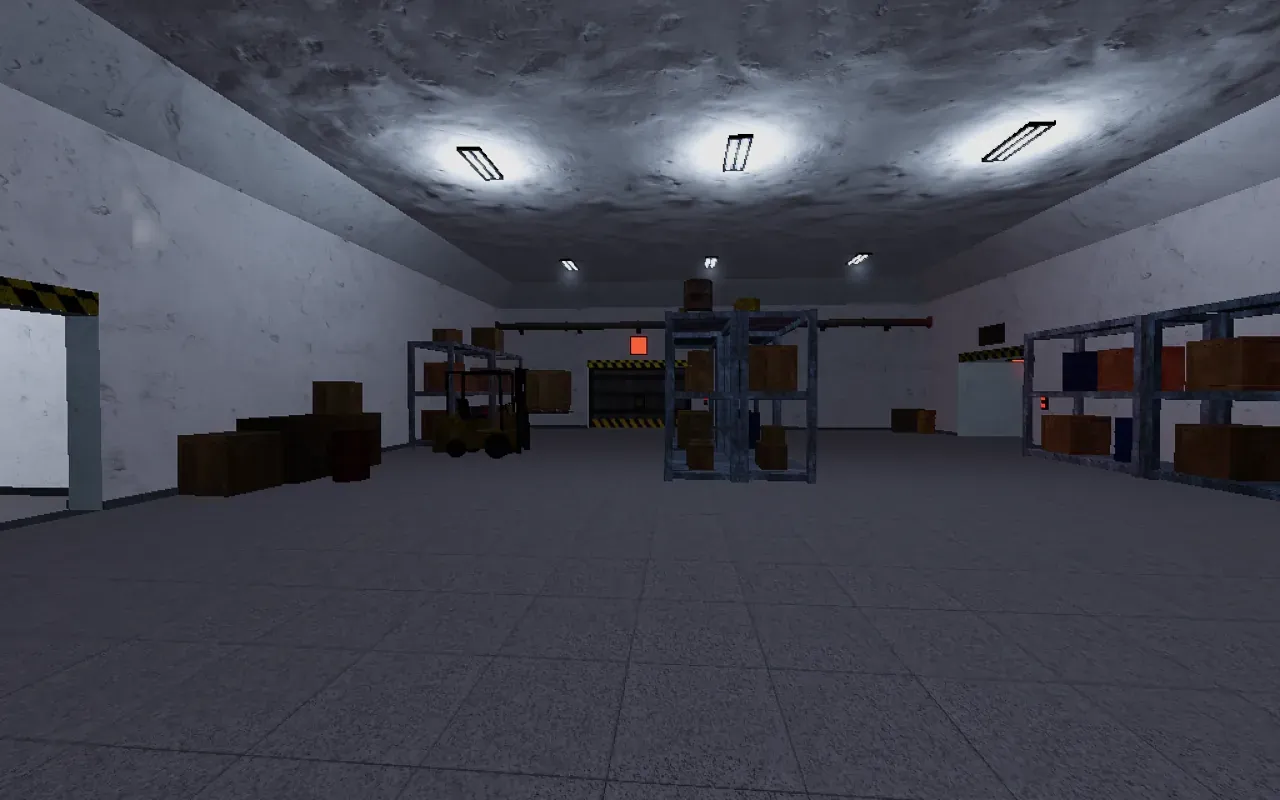
| Best for | Quick games, learning from others | Friends, families, and getting picked as the monster more often in HUNT |
| Room size limit | Not published | Not published |
/ Playing with friends (there is no friends list)
GILLA has no friends list or party system that the developer or any guide describes. To play together: one person creates a private room, reads the code out or texts it, and everyone else types it on the lobby computer. Groups usually share codes over Discord or a group chat. Details and common problems are in private room codes.
/ Mute and report
According to GILLA’s privacy policy, a report stores both players’ IDs, the reason and the room code, and copies the report into a private moderation channel on the official Discord. Reports are kept for 30 days.
- Go to the lobby and find the leaderboard.
- Find the player’s name on it.
- Choose mute to stop hearing them, or report to send a report to the moderators.
- For serious behaviour, also report through the Meta menu on your headset.
/ Etiquette that helps everyone survive
- Whisper or go silent when someone says the Grinner is close.
- Do not grief the keycard: open the door and let others through.
- In SURVIVE, call out sinking platforms rather than jumping onto someone else’s.
- If you want to roleplay (school, teacher and similar videos are popular), do it in a private room so public players can still play the mode.
/ Frequently asked questions
Does GILLA have voice chat?
How do I play GILLA with friends?
How do I mute someone in GILLA?
Does GILLA record voice chat?
Sources
- gillavr.com — official GILLA site — last checked 2026-11-20
- Meta Quest store — GILLA (en-GB listing) — last checked 2026-11-20
- AppLabGames — GILLA listing — last checked 2026-11-20
- GILLA privacy policy (published Google Doc) — last checked 2026-11-20
- gillavr.com — Terms of Service (updated 17 Nov 2026) — last checked 2026-11-20
- gillavrguide.wiki — private rooms — last checked 2026-11-20
- YouTube — Cmart, “I SIMULATED SCHOOL IN GILLA VR” (18 Nov 2026) — last checked 2026-11-20